Is your business website struggling to rank on Google despite having quality content? The problem might not be your keywords or backlinks. It could be hidden technical issues preventing search engines from properly accessing and understanding your website.
Technical SEO ensures your website is crawlable, indexable, fast, secure, and accessible across devices.
Whether you run a local service business, an e-commerce store, or a corporate website, following a technical SEO checklist can help improve search visibility and user experience.
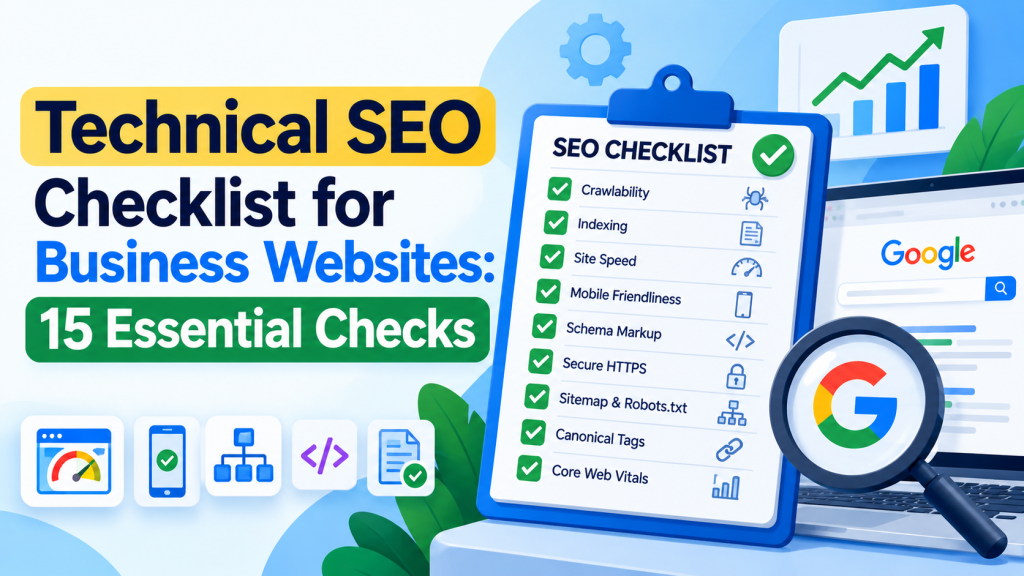
Here are 15 essential technical SEO checks every business website should perform.
1. Check Website Indexing in Google
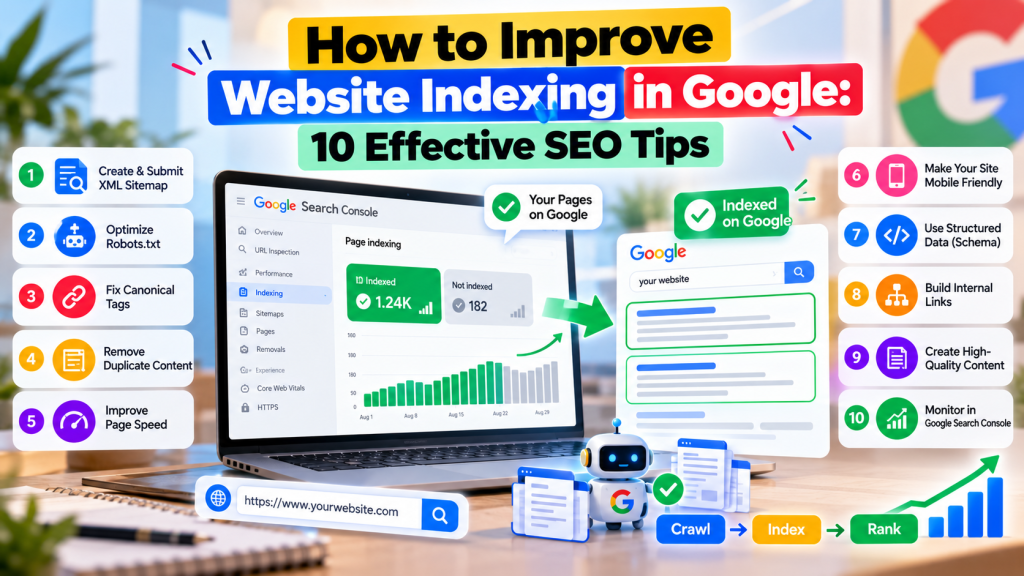
Start by checking whether Google has indexed your important website pages.
Open Google Search Console → Indexing → Pages to identify indexed and excluded URLs.
Look for issues such as “Crawled – currently not indexed,” accidental noindex directives, and duplicate pages.
Fix problems affecting important service, product, and landing pages.
2. Submit an XML Sitemap
An XML sitemap helps search engines discover important website URLs.
Create a sitemap containing relevant, canonical pages and submit it through Google Search Console.
For example:
https://example.com/sitemap.xml
Regularly check the sitemap for broken, redirected, or unwanted URLs.
Remember that submitting a sitemap doesn’t guarantee indexing.
3. Review Your Robots.txt File
Your robots.txt file controls which website areas search engine crawlers can access.
Check:
https://example.com/robots.txt
Ensure important pages and resources aren’t accidentally blocked.
Avoid using robots.txt to remove indexed pages from Google. Use appropriate noindex directives when necessary.
4. Improve Website Loading Speed
Slow websites create a poor user experience and can reduce conversions.
Use Google PageSpeed Insights to identify performance issues.
Focus on:
- Compressing oversized images
- Reducing unnecessary JavaScript
- Improving server response times
- Using browser caching
- Removing unnecessary plugins
Prioritize improvements that benefit real users rather than chasing a perfect performance score.
5. Optimize Core Web Vitals
Core Web Vitals measure important aspects of website user experience.
| Metric | Good Threshold |
|---|---|
| Largest Contentful Paint (LCP) | 2.5 seconds or less |
| Interaction to Next Paint (INP) | 200 milliseconds or less |
| Cumulative Layout Shift (CLS) | 0.1 or less |
Review these metrics in Google Search Console or PageSpeed Insights using available field data.
Improving Core Web Vitals can support a better website experience.
6. Ensure Your Website Is Mobile-Friendly
Google uses mobile-first indexing, meaning its indexing systems primarily use the mobile version of website content.
Check whether your website displays correctly on smartphones.
Ensure navigation menus, buttons, contact forms, and important content work properly across screen sizes.
Business websites should make enquiry and purchase actions easy on mobile devices.
7. Fix Broken Links and 404 Errors
Broken internal links make navigation difficult for visitors and search engines.
Use crawling tools or Google Search Console to identify important broken URLs.
Update incorrect links and redirect permanently moved pages to relevant replacements.
Not every 404 page requires a redirect. Pages intentionally removed without replacements can correctly return a 404 or 410 status.
8. Review Canonical Tags
Canonical tags indicate your preferred URL when similar content is available through multiple addresses.
For example, an e-commerce website may generate several product URLs through filters or tracking parameters.
Use consistent canonical signals to reduce unnecessary duplication.
Remember that Google treats canonical declarations as signals, not guaranteed instructions.
9. Implement HTTPS Security
Your business website should use HTTPS to protect data transferred between visitors and your server.
Check that your SSL/TLS certificate is valid and that important pages load securely.
Redirect unnecessary HTTP versions to their HTTPS equivalents.
Also identify mixed-content problems where secure pages attempt to load resources through insecure connections.
10. Improve Website URL Structure
Clear URLs help visitors and search engines understand page topics.
For example:
Recommended: example.com/seo-services/
Less descriptive: example.com/page?id=4587
Use meaningful words, consistent formatting, and simple URL structures.
Avoid changing existing URLs solely to add keywords, especially when those pages already receive organic traffic.
11. Add Relevant Schema Markup
Structured data helps search engines understand specific information about your website.
Depending on your business, useful schema types may include:
- Organization
- LocalBusiness
- Product
- BreadcrumbList
- Article
Use Google’s Rich Results Test to check supported structured data.
Ensure schema information accurately represents visible page content. Adding schema doesn’t guarantee rich results or higher rankings.
12. Strengthen Internal Linking
Internal links help search engines discover related pages and understand website structure.
Link relevant blogs to service pages and related resources using descriptive anchor text.
For example, an article about keyword research can link naturally to your SEO services page.
Ensure important pages aren’t orphaned and can be reached through crawlable internal links.
13. Check Redirect Issues
Redirects are useful when website URLs change, but incorrect implementation can create problems.
Review your website for:
- Redirect loops
- Long redirect chains
- Redirects to irrelevant pages
- Internal links pointing to outdated URLs
Use permanent redirects when content has permanently moved and update internal links to point to the correct destination.
14. Optimize Website Images
Image optimization can improve website loading performance and accessibility.
Use descriptive file names, appropriate image dimensions, and modern formats such as WebP or AVIF where suitable.
Add meaningful alt text to informative images.
For example, a business website might use:
office-interior-design-project.webp
Avoid stuffing keywords into image names or alt attributes.
15. Monitor Technical SEO Performance
Technical SEO isn’t a one-time task.
Regular audits help identify new issues caused by website updates, plugins, design changes, or server problems.
Monitor:
- Indexing status
- Crawl errors
- Core Web Vitals
- Broken links
- Sitemap errors
- Structured data issues
- Organic search performance
Professional technical SEO services can help businesses investigate complex problems and maintain a search-friendly website.
Quick Technical SEO Audit Checklist
| SEO Area | What to Check |
|---|---|
| Indexing | Important pages indexed |
| Sitemap | Valid and submitted |
| Robots.txt | No accidental blocking |
| Website Speed | Loading issues addressed |
| Mobile Usability | Responsive and functional |
| HTTPS | Secure pages |
| Canonical Tags | Correct preferred URLs |
| Internal Links | No important orphan pages |
| Schema Markup | Relevant and valid |
| Redirects | No loops or unnecessary chains |
Conclusion
A technically healthy website creates a stronger foundation for organic search performance.
From indexing and website speed to mobile usability, structured data, and internal linking, every technical element contributes to how effectively search engines access and interpret your content.
Following this technical SEO checklist for business websites can help identify critical problems, improve user experience, and support long-term search visibility. Successful SEO starts with a website that search engines can access and customers can use easily.