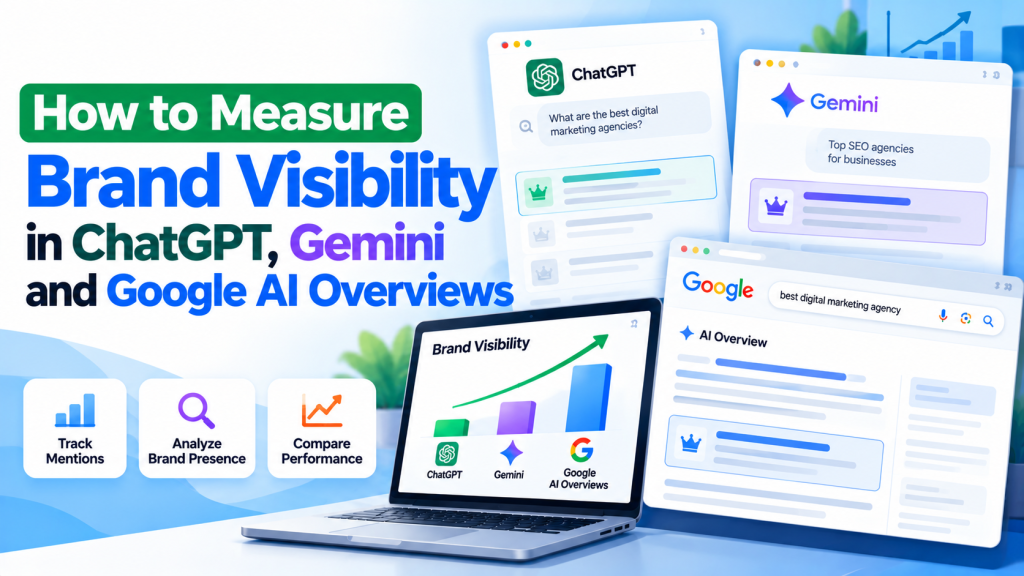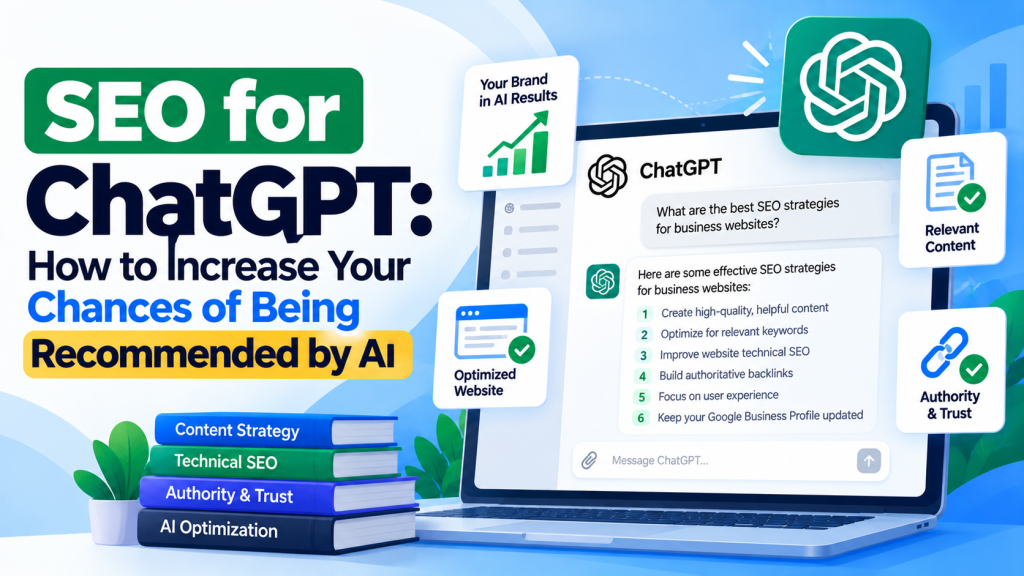
AI-powered search is changing how people discover websites, products, and services. Instead of relying only on Google, users are turning to platforms like ChatGPT, Google Gemini, Perplexity, and Microsoft Copilot for recommendations and information.
For businesses and marketers, this creates a new opportunity to attract potential customers. But how do you know whether these AI platforms are actually driving traffic, leads, or sales to your website?
The answer is Google Analytics 4 (GA4), combined with accurate conversion tracking and Google Search Console.
In this guide, you’ll learn how to track AI search traffic, identify visitors from different AI platforms, and measure their impact on your business.
What Is AI Search Traffic?
AI search traffic refers to visitors who reach your website through links shared by AI-powered platforms.
For example, someone might ask ChatGPT, “What is the best CRM software for small businesses?” If ChatGPT recommends a website and the user clicks its link, that visit may appear as AI referral traffic in Google Analytics.
Common AI traffic sources include:
- ChatGPT: chatgpt.com
- Google Gemini: gemini.google.com
- Perplexity: perplexity.ai
- Microsoft Copilot: copilot.microsoft.com
- Claude: claude.ai
However, not every AI-driven visit can be identified. Some visits may appear as direct traffic when referral information is unavailable.
Why Is Tracking AI Search Traffic Important?
Tracking AI traffic helps businesses understand how users discover their websites beyond traditional search engines.
It provides several benefits:
- Identify traffic sources: Discover which AI platforms send visitors to your website.
- Measure lead generation: See whether AI visitors submit forms, book appointments, or make purchases.
- Find popular content: Identify which website pages attract AI-driven visitors.
- Improve SEO strategy: Understand which topics perform well and create more relevant content.
- Evaluate conversions: Compare AI traffic performance with other marketing channels.
Instead of focusing only on website visits, businesses can measure whether AI search contributes to meaningful results.
How to Track ChatGPT and Gemini Traffic in GA4
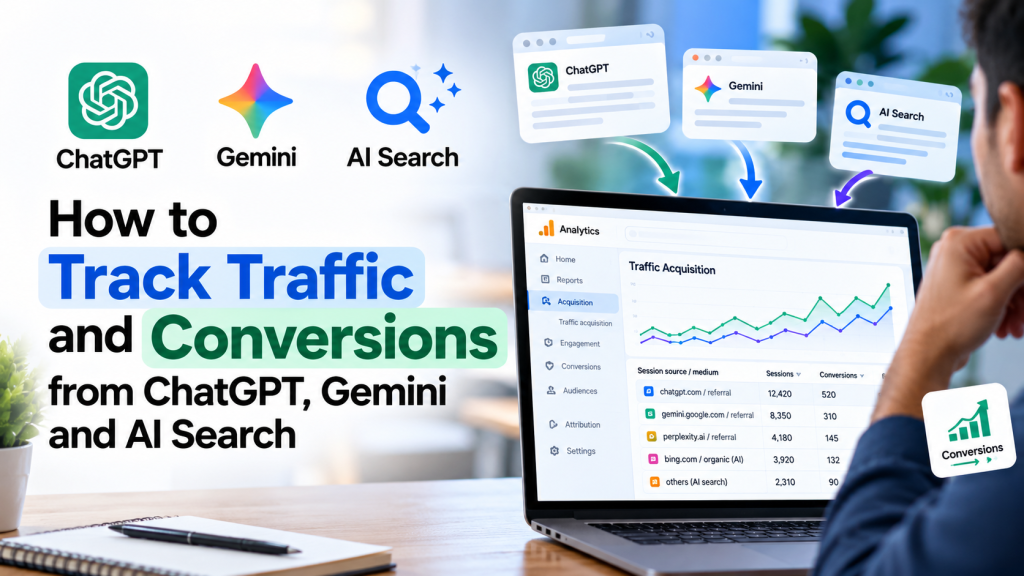
Google Analytics 4 provides an AI Assistant channel that can identify traffic from supported AI platforms.
Step 1: Open Google Analytics 4
Sign in to your Google Analytics account and select the property connected to your website.
Navigate to:
Reports → Acquisition → Traffic acquisition
Step 2: Find AI Assistant Traffic
Look for the AI Assistant channel in the traffic acquisition report.
This channel identifies qualifying visits from supported AI assistants, making it easier to analyze AI-driven website traffic.
Step 3: Check Individual AI Platforms
To identify specific sources, change the report’s primary dimension to Session source / medium.
You may see traffic associated with ChatGPT, Gemini, Perplexity, or other AI platforms.
Review important metrics such as:
- Sessions
- Engaged sessions
- Engagement rate
- Key events
- Session key event rate
These metrics help you understand how AI visitors interact with your website.
How to Create a Custom AI Traffic Report in GA4
If you want more detailed reporting, you can create a custom channel group.
Follow these steps:
- Open GA4 and navigate to Admin.
- Select Channel groups under Data display.
- Click Create new channel group.
- Add a channel named “AI Traffic.”
- Set matching conditions using AI referral domains.
- Save the channel group and use it in your reports.
For example, you can include domains such as chatgpt.com, gemini.google.com, and perplexity.ai.
A custom report can help you compare AI traffic sources and monitor performance over time.
How to Track Conversions from ChatGPT and AI Search
Getting traffic from AI platforms is useful, but tracking conversions tells you whether those visitors are becoming customers.
Step 1: Set Up Conversion Events
In GA4, important business actions are tracked as events.
Examples include:
- Contact form submissions
- Phone enquiries
- Appointment bookings
- WhatsApp enquiries
- Product purchases
Make sure the relevant events are configured correctly using Google Analytics or Google Tag Manager.
Step 2: Mark Events as Key Events
In GA4, navigate to Admin → Events or Key events and mark your important business actions as key events.
For example, a service-based website might use the generate_lead event to track successful enquiry form submissions.
Step 3: Analyze AI Conversions
Return to the Traffic acquisition report and filter for AI Assistant traffic.
Review the number of key events and compare performance across different AI sources.
For example:
| AI Platform | Visitors* | Leads | Lead Rate |
|---|---|---|---|
| ChatGPT | 200 | 12 | 6% |
| Gemini | 150 | 6 | 4% |
| Perplexity | 100 | 5 | 5% |
Illustrative data. Visitors represent sessions for this example, with leads attributed to converting sessions.
This analysis helps identify which AI platforms generate valuable enquiries rather than just traffic.
How to Track Traffic from Google AI Overviews
Google AI Overviews and AI Mode differ from standalone AI platforms.
Traffic from these features is generally included within Google organic search in GA4, rather than the AI Assistant channel.
Google Search Console offers a Generative AI performance report for monitoring visibility in AI Overviews and AI Mode.
This helps website owners analyze generative AI impressions and identify pages appearing in Google’s AI-powered search experiences.
However, standard analytics reports cannot always attribute specific website conversions directly to AI Overviews.
For a more complete picture, analyze Search Console visibility alongside organic traffic and conversion trends in GA4.
How to Improve Website Visibility in AI Search
Tracking AI traffic is important, but improving your website’s visibility can help attract more relevant visitors.
Here are some practical AI SEO strategies.
1. Create helpful, question-based content
Answer common questions your target audience searches for. Provide clear explanations and practical solutions.
2. Use structured headings and FAQs
Organize content using descriptive H2 and H3 headings, short paragraphs, and relevant questions.
3. Publish original information
Include useful examples, first-hand experience, and accurate information that adds value beyond generic content.
4. Strengthen technical SEO
Make sure your website is mobile-friendly, indexable, fast, and easy for search engines to access.
5. Monitor performance regularly
Review AI referral traffic, landing pages, engagement, leads, and sales each month.
These practices can improve content discoverability, although no optimization technique guarantees recommendations from AI platforms.
Conclusion
AI-powered search is becoming an important website discovery channel. Platforms like ChatGPT, Gemini, and Perplexity can introduce businesses to potential customers, but measuring their actual impact is essential.
By using Google Analytics 4, conversion tracking, and Google Search Console, businesses can monitor identifiable AI traffic, analyze user engagement, and measure leads or sales.
The real opportunity isn’t just increasing AI search visibility. It’s understanding which AI-driven visits contribute to business growth and using those insights to improve your SEO strategy.